
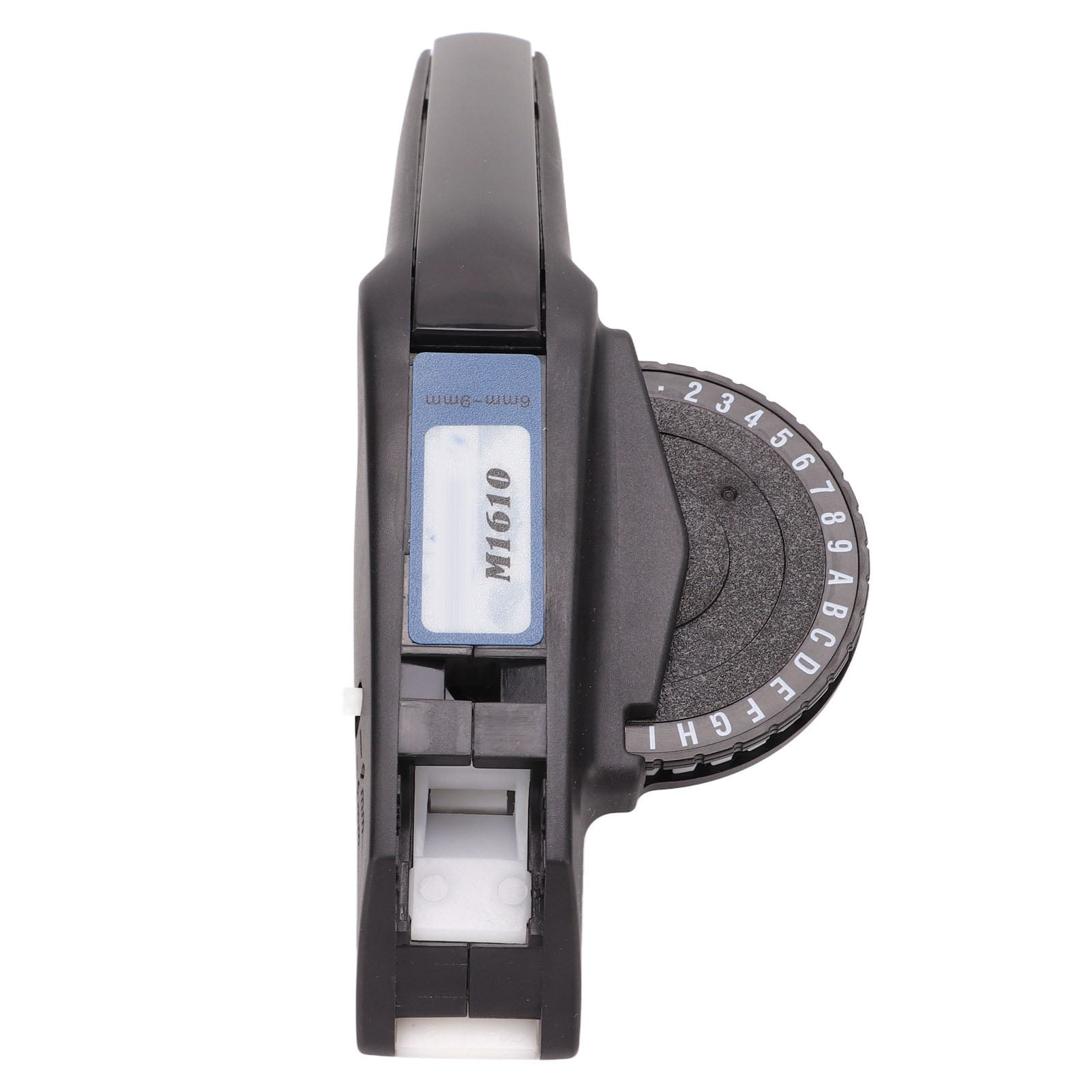
Embossing Label Maker Clear Number Letter One Hand Operation Durable ABS Label Making Embosser for Label DIY Red
Product details
| Management number | 238127466 | Release Date | 2026/07/11 | List Price | US$9.93 | Model Number | 238127466 | ||
|---|---|---|---|---|---|---|---|---|---|
| Category | |||||||||
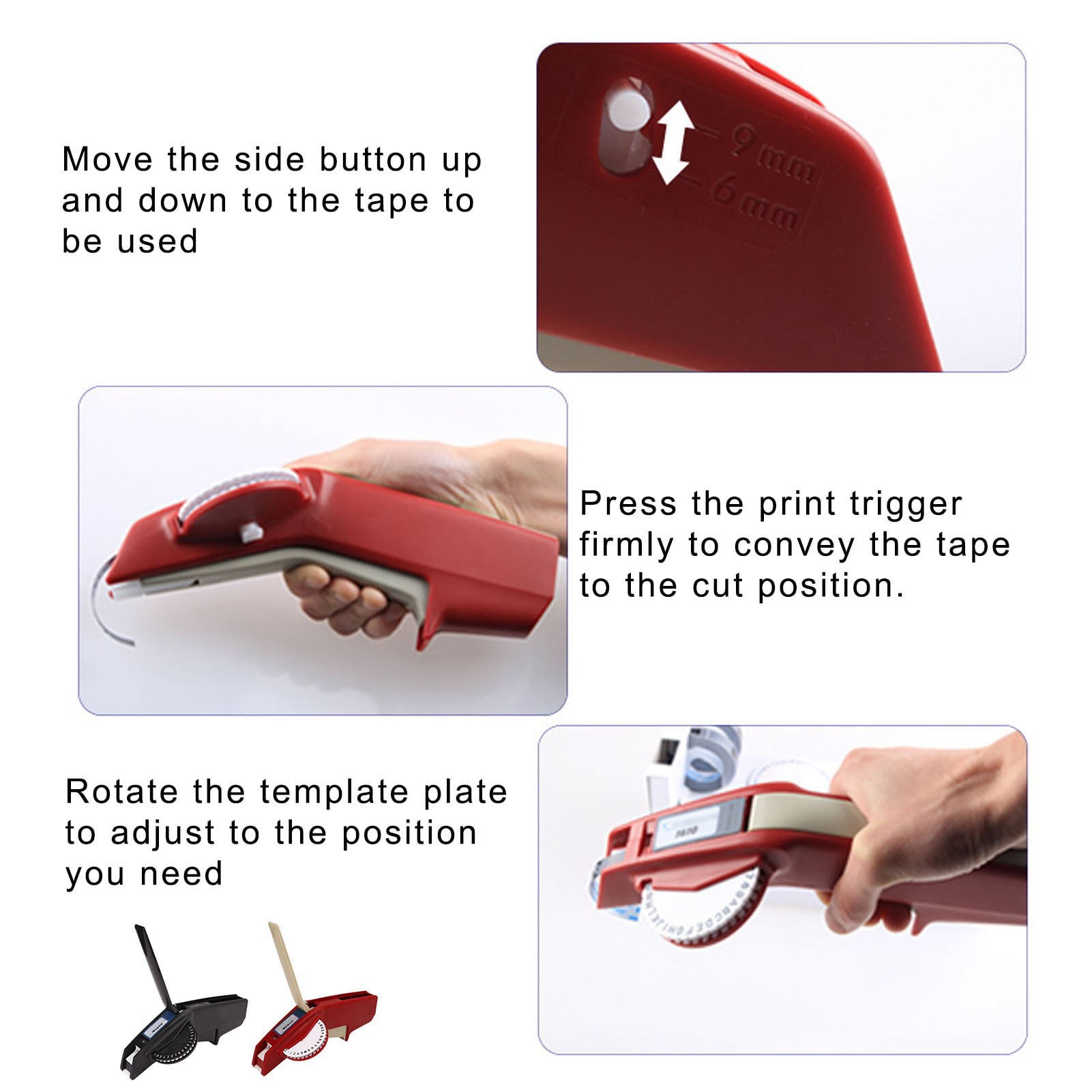
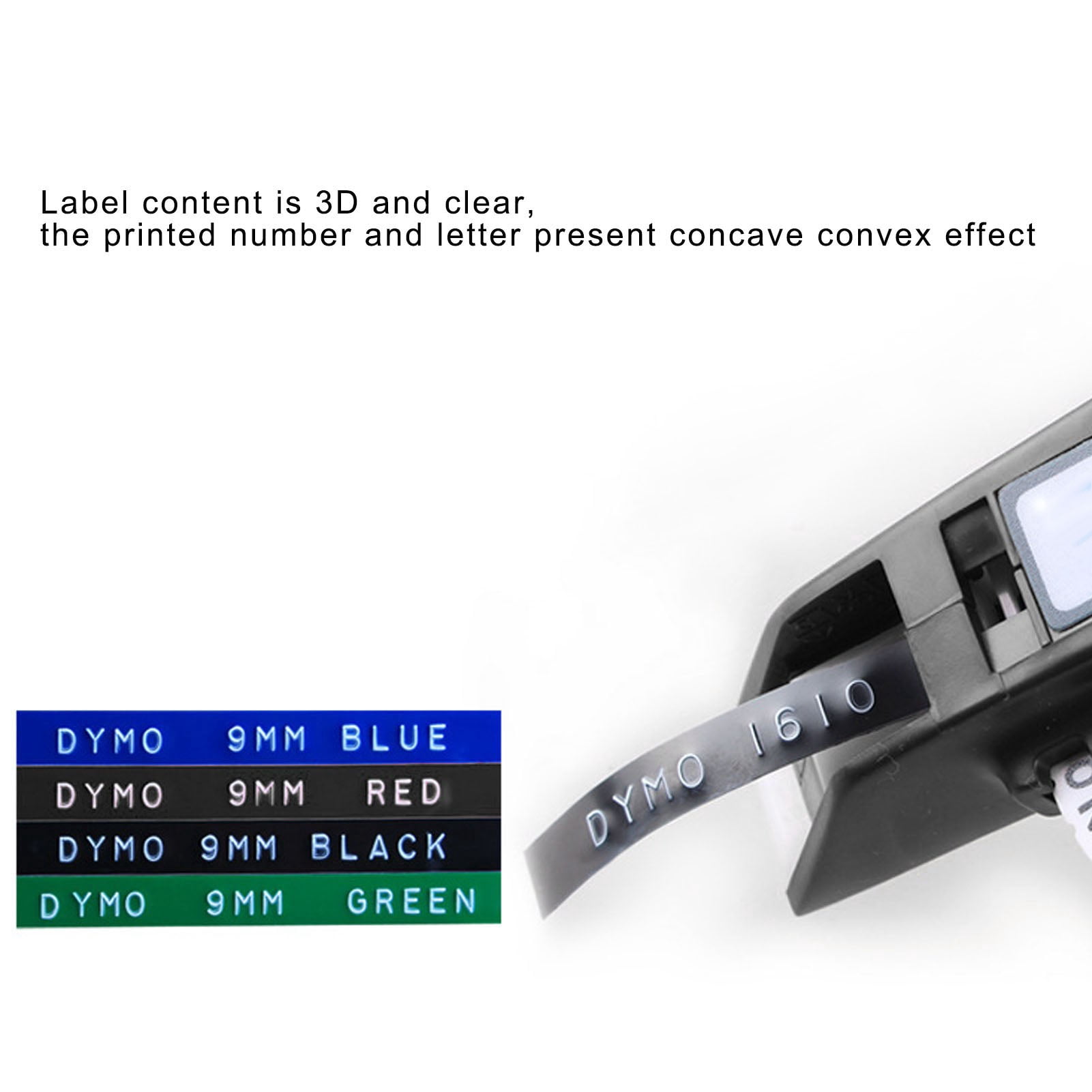
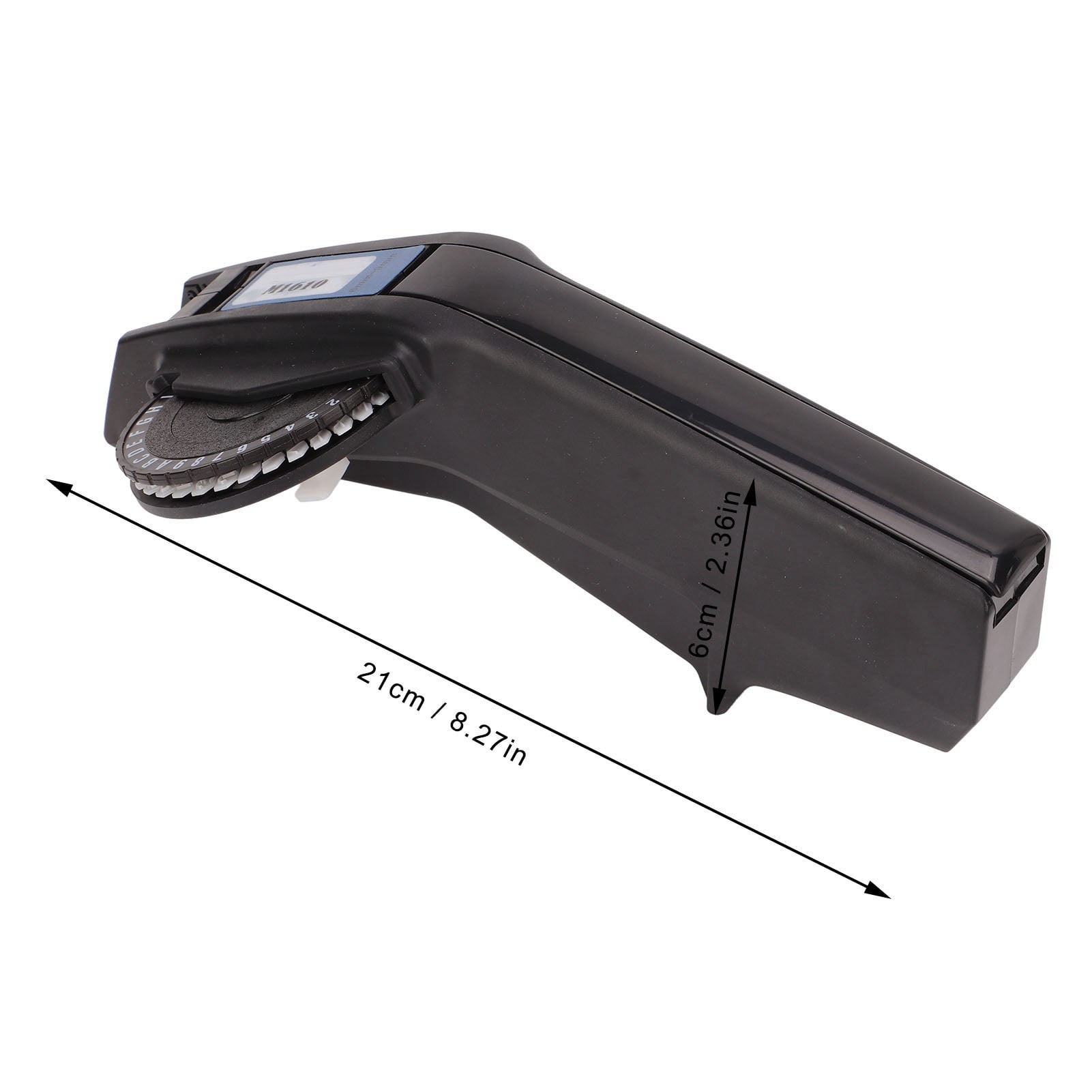
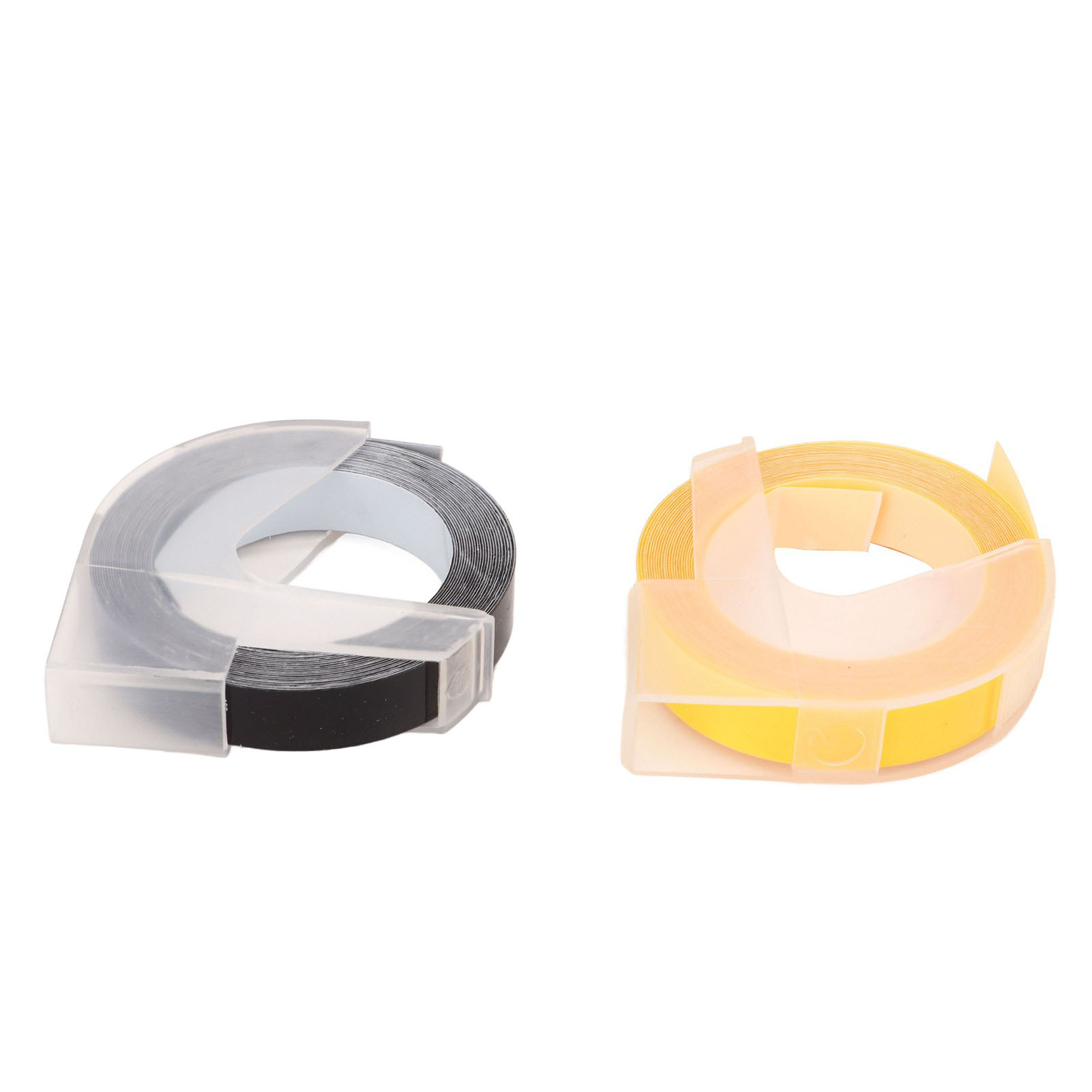
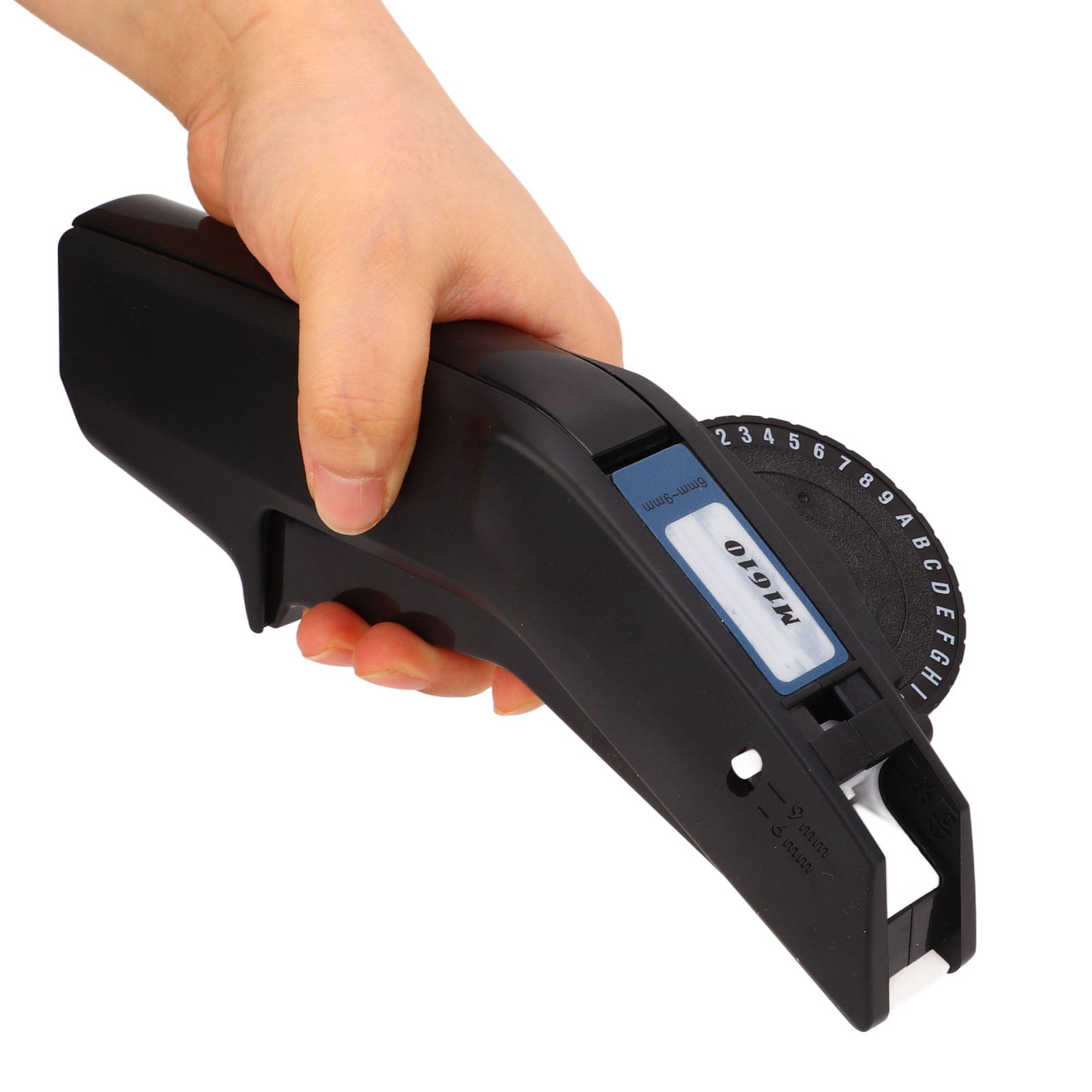
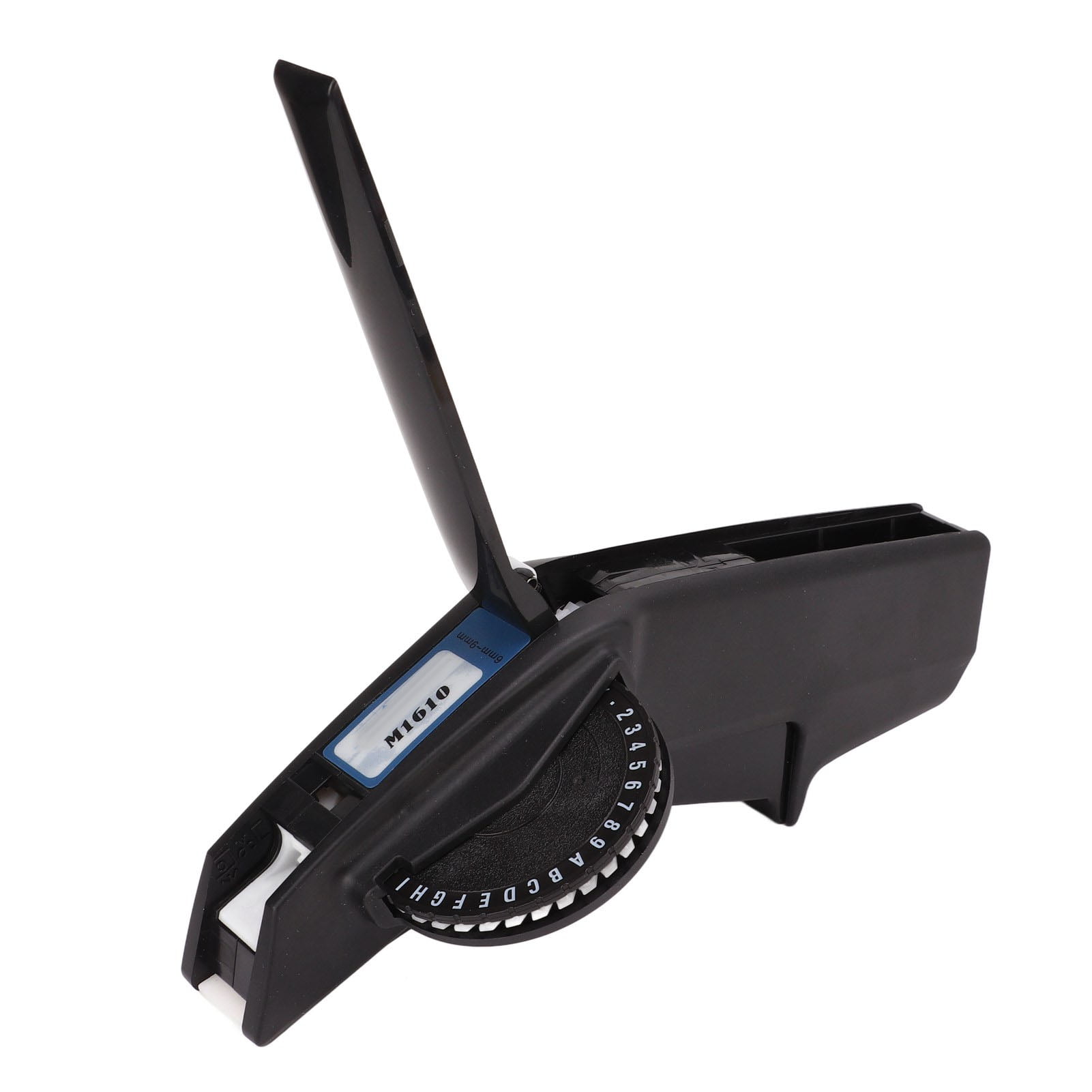
Feature:<br>1. Clear Printing: This embossing label maker features clear printing, the printed number and letter present concave convex effect.<br>2. One Hand Operation: This label making embosser can be easily operated with one hand, great convenience.<br>3. Durable Material: This manual label printer adopts strong and durable ABS material, which ensures long service life.<br>4. High Sharpness: This embossing label printer is equipped with cutter in high sharpness, more convenient to cut the tape.<br>5. Ideal Gift: This embossing label maker is small and portable, ideal gift for your friends and family.<br><br>Specification:<br>Item Type: Embossing Label Maker<br>Material: ABS<br>Suitable Model: Suitable for 1610 Manual Label Printer<br>Applicable Tape Size: Approx. 6mm to 9mm / 0.24in to 0.35in<br>Product Size: Approx. 21 x 6cm / 8.27 x 2.36in ( Manual Measurement, Slight Error May Exist )<br><br>How to Use:<br>1. Open the handle part and open the tape tank<br>2. Put in 9 or 6mm tape<br>3. Push the tape forward<br>4. Move the side button up and down to tape to be used.<br>5. Press the print trigger firmly to convey the tape to the cut position.<br>6. Rotate the template plate to adjust to the position you need<br>7. Press the print button firmly to print the desired content<br>8. After inputting, move the cutter downward to cut off the tape<br>9. Pull down the white buckle at the bottom of the template to replace the template<br><br>Package List:<br>1 x<br><br>Embossing Label Maker2 x Color Tape<br><br>
- Clear Printing: This embossing label maker features clear printing, the printed number and letter present concave convex effect.
- One Hand Operation: This label making embosser can be easily operated with one hand, great convenience.
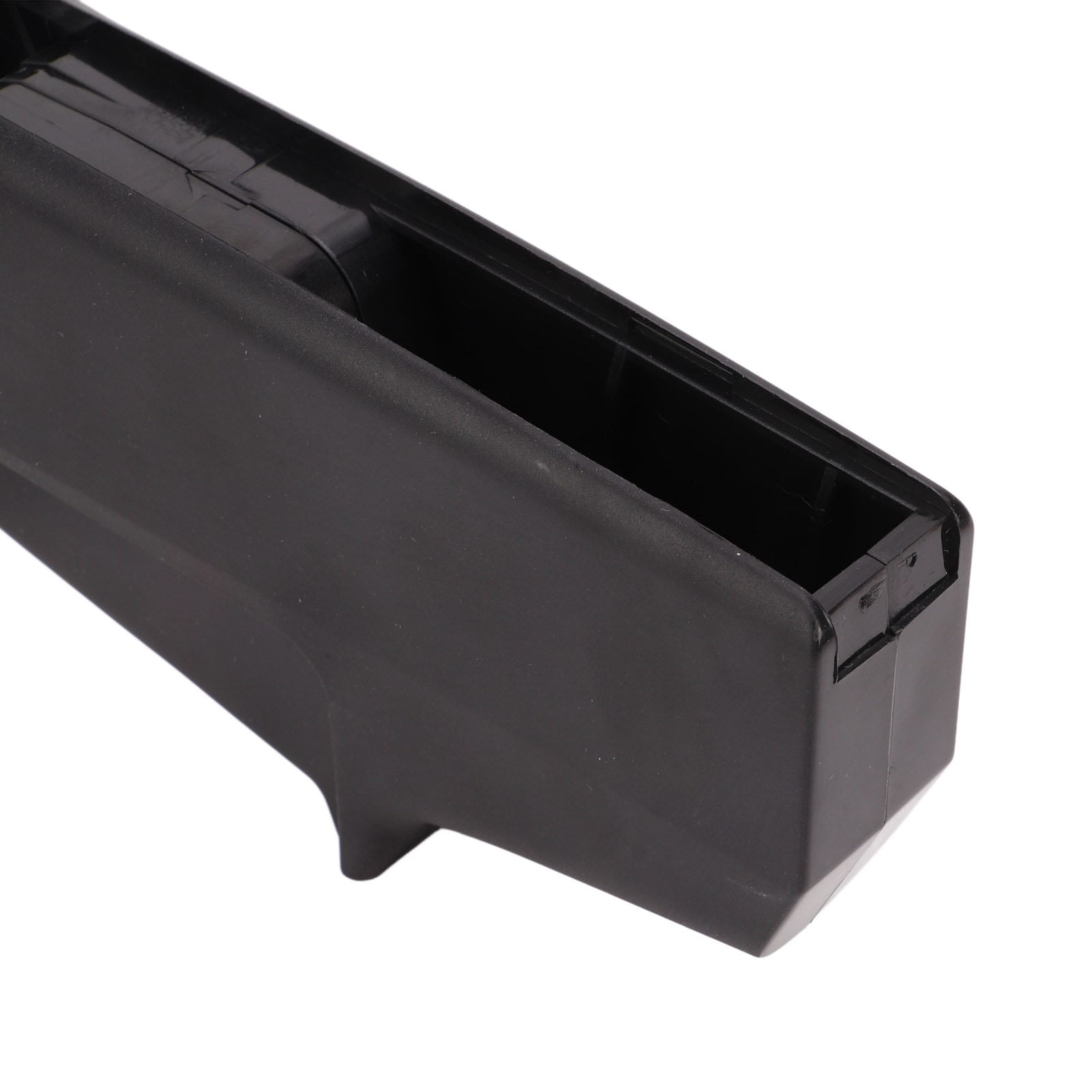
- Durable Material: This manual label printer adopts strong and durable ABS material, which ensures long service life.
- High Sharpness: This embossing label printer is equipped with cutter in high sharpness, more convenient to cut the tape.
- Ideal Gift: This embossing label maker is small and portable, ideal gift for your friends and family.
| Label maker type | Embossing Label Makers |
|---|---|
| Compatible tape width | 6 mm |
| Power type | Manual |
| Mono color | Color |
| Items included | 1 x Embossing Label Maker, 2 x Color Tape |
| Brand | Cacagoo |
| Color | Red |
| Is smart | N |
| Has written warranty | No |
Bestseller ranking
RV Patio Furniture

Customers who viewed this product also viewed
Shop All Office Supplies
Correction of product information
If you notice any omissions or errors in the product information on this page, please use the correction request form below.
Correction Request Form